








VXRLabs · Creator Spaces
Creator Spaces: Build Your Own Virtual Reality Learning Worlds
Creator Spaces are large VR environments where teachers and students build their own lessons. Bring in 3D objects, draw in 3D, add your own files and 360° videos, then save your setup to use again or share.
- 55+ environments
- 3,600+ 3D spawnables
- Multiplayer building

Environments
57 Ready-Made Creator Spaces
Start from an open sandbox, or teach in a hospital, a courtroom, a science lab, a city or an island. Every environment can be filled with spawnables, notes and media.
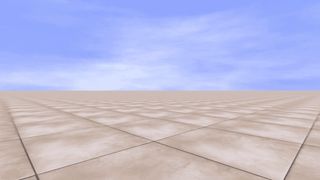
Creator Space (Sandbox)
An open dome with no walls. Change the sky and floor and build anything.
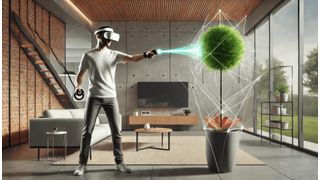
Mixed Reality Creator Space
Bring spawnables into your real room, shared with others in mixed reality.
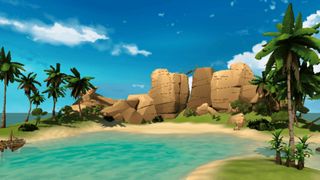
Adventure Island
Varied landforms, a rock-climbing wall and water you can swim in.
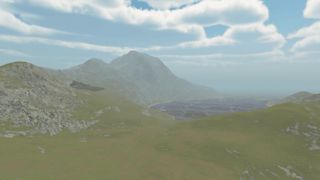
Victory Island
Over 2.5 km of mountains and sea, built for large group activities.
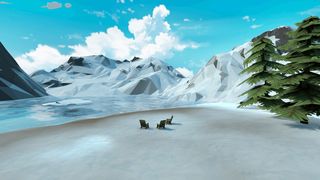
Alpine Mountain
An ice-covered, secluded site for an outdoor excursion.
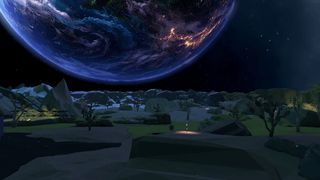
Mysterious Planet
An alien world with four biomes and a base camp.
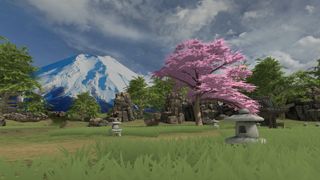
The Foot of Mt. Fuji
Peaceful landscapes at the base of Japan's most iconic mountain.
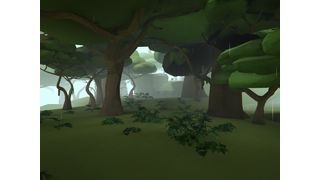
Tropical Rainforest
Rolling hills of rich vegetation with room for camps and animals.
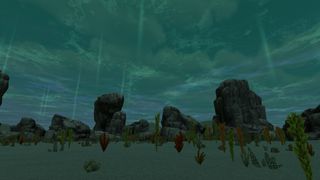
Under the Sea
Coral, kelp and a shell floor, where you can swim.
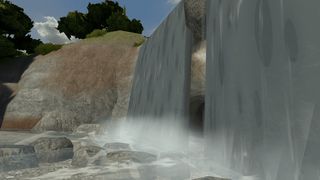
Dominguez Falls
A river, a massive waterfall and caves with bioluminescent rocks.
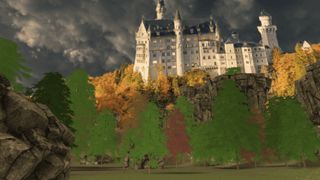
Neuschwanstein Castle Woods
Woods below Germany's fairytale Neuschwanstein Castle.
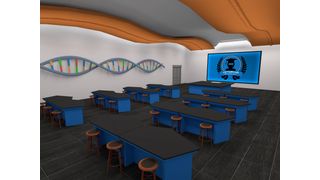
Science Lab
A fully equipped lab for experiments, demos and lab stations.
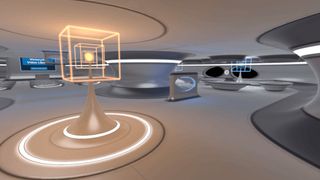
Space Station Lab
A space station with exploration, lecture and lab areas.
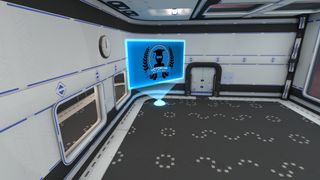
Starship Observatory
Float in zero gravity to teach physics, astronomy and aerospace careers.
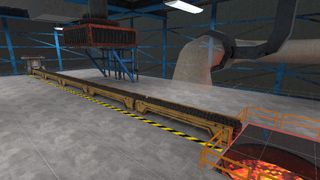
Robot Factory
A working factory floor built around a moving conveyor belt.
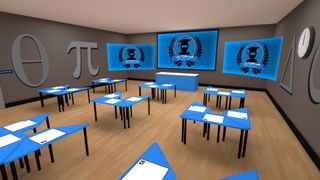
Math Classroom
Visualize shapes, equations and complex problems in 3D.
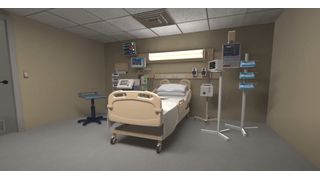
Hospital Room
Practice with consequences in a realistic patient room.
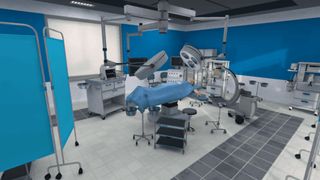
Operating Room
An operating room laid out as in the real world, without the risk.
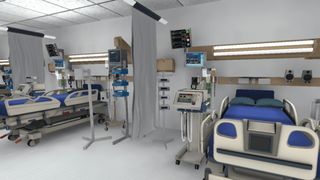
Emergency Room
Explore and learn in an emergency department.
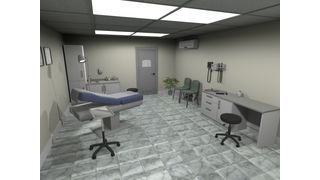
Clinic Room
Practice patient intake, exams and clinical conversations.
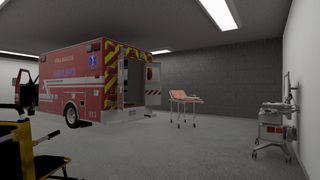
Ambulance Garage
Sit inside a parked ambulance to build confidence before the real thing.
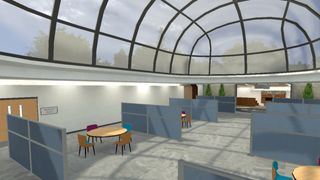
MRI & Psychology Space
Learn MRI basics and patient prep, built with the University of Law.

Darwin's HMS Beagle
Sail with Darwin to teach evolution or nautical terms.

World War II Battleship
Experience life at sea and the role of naval power in WWII.
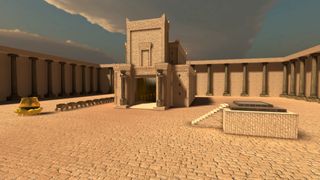
King Solomon's Temple
Explore the architecture and history of ancient Jerusalem's temple.
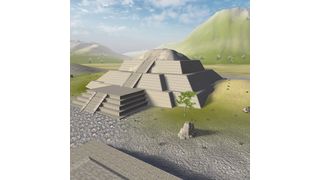
Pyramid of the Moon
Explore ancient Teotihuacan's Mesoamerican architecture.
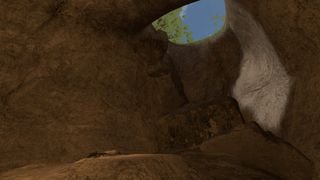
Allegory of the Cave
Step inside Plato's cave, shadows and all.
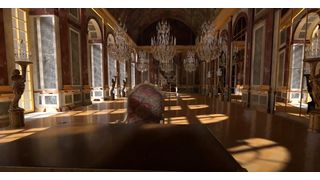
Hall of Mirrors
A faithful recreation of the Hall of Mirrors at Versailles.
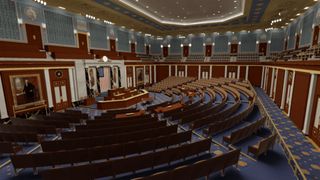
U.S. House of Representatives
See where laws are debated, shaped and passed.
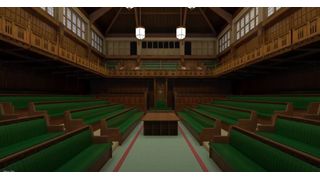
House of Commons
A historically accurate recreation of the British House of Commons.
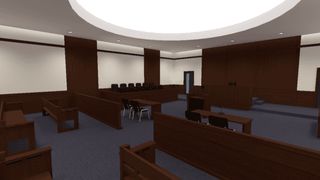
Modern Courthouse
Teach the judicial process and hold mock trials in a contemporary courtroom.
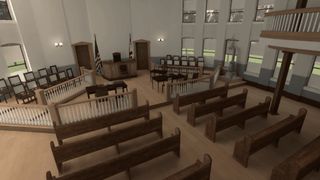
Old Monroe County Courthouse
The courthouse from To Kill a Mockingbird.
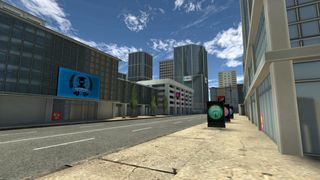
City by Day
Nine city blocks ready for you to build in.
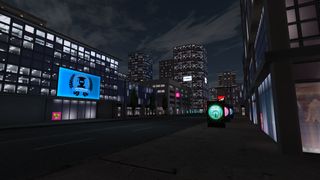
City at Night
The same city from a nighttime perspective.
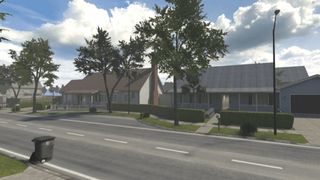
Suburban Neighborhood
Homes and quiet streets for civics, safety and community scenarios.
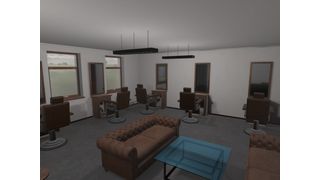
Barber Shop
Explore what it's like to work in a real barber shop.
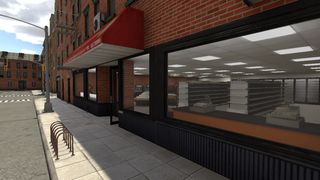
Convenience Store
Practice transactions and stocking a store.
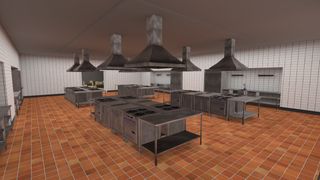
Industrial Kitchen
Working ovens, stoves and fridges, plus a dining room, for culinary arts.
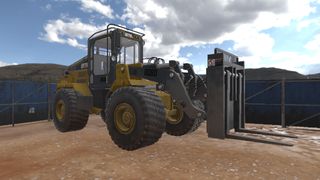
Construction Site
Stage building, safety and equipment training activities.
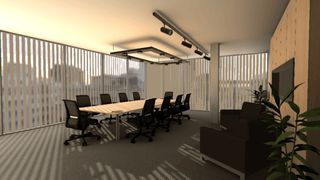
Negotiation Office Room
Negotiate a rental agreement with an AI rental rep.
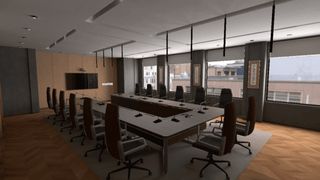
Executive Conference Room
Practice running meetings and discussing contracts.
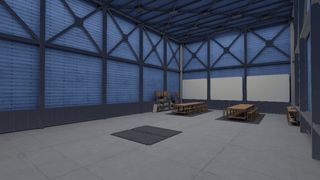
Large Art Studio
Room for bigger classes, galleries and group projects.
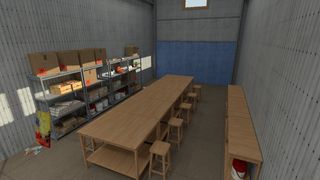
Small Art Studio
A cozy studio for focused, small-group art lessons.
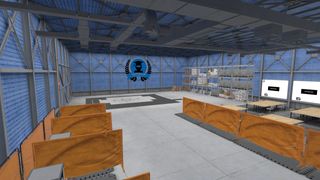
Industrial Art Studio
Desks and workspaces built for collaboration.
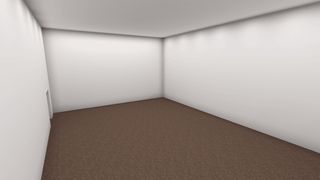
Creator Space Museum
Blank gallery walls to showcase student work and ideas.
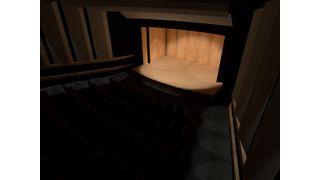
Performing Arts Center
A full stage for performances and presentations.
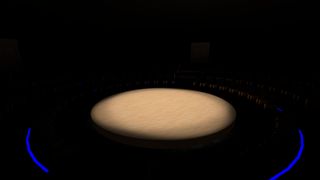
Theatre in the Round
A center stage for speeches, monologues and poetry readings.
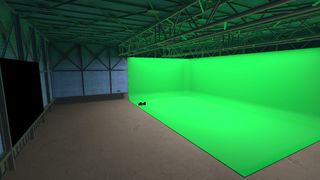
Sound Stage & Green Screen
Learn how a sound stage and green screen work.
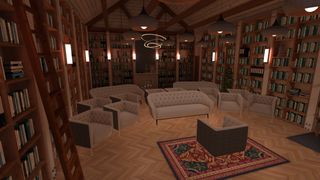
Library
Promote reading and research and explore classic books.
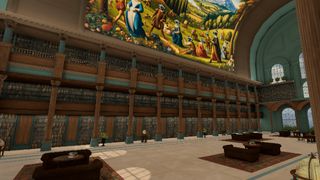
Grand Reading Hall
A two-tiered collegiate library for literature and history.
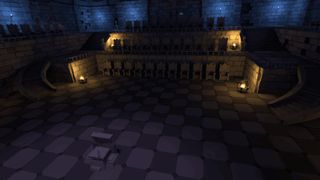
Mystvale College Classroom
A lecture hall at the fictional Mystvale College.
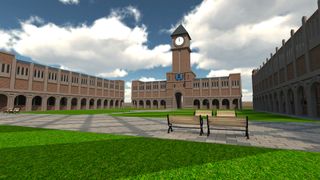
Campus Quad
An open space modeled on a traditional campus quad.
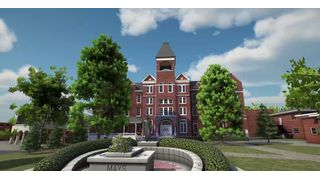
Morehouse College Campus
One of VictoryXR's first digital twin campuses.
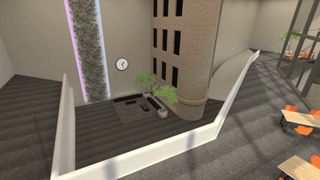
VictoryXR Balcony
Couches, an ivy wall and tables for small-group conversations.
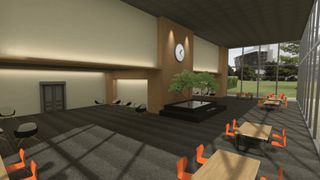
VictoryXR Student Lounge
A social space for students to learn and hang out.
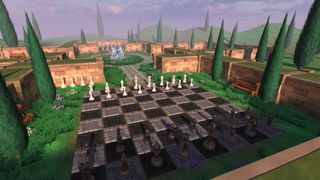
The Queen's Garden
A garden framed by four giant chess sets.
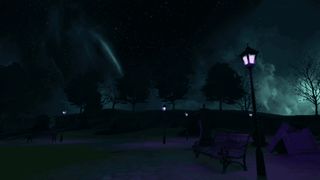
Haunted Cemetery
A spooky setting that keeps inquiry-based lessons engaging.